Switching guide
The best Paprika alternative
The short answer: if you love Paprika's one-time price but want a meal planner that works and a design that feels current, Trivet is the closest fit. It keeps your recipes on your iPhone and iPad with no account, offers a lifetime purchase, and imports recipes more reliably.
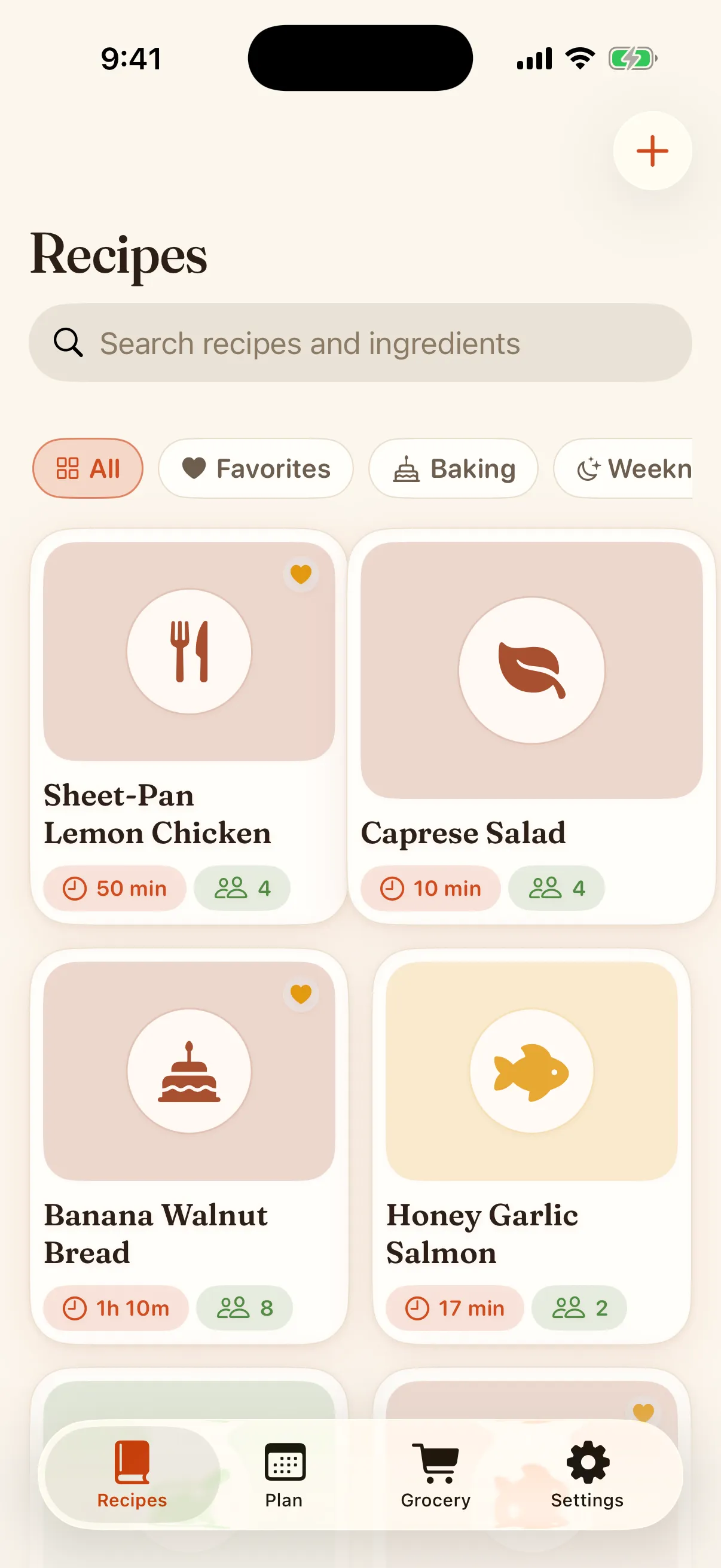
Trivet is free on the App Store: import any recipe, scale it, and plan the week on your iPhone and iPad.
Download on theApp StoreWhy people leave Paprika
Paprika is a beloved app with a fair, no-subscription price. The recurring complaints are specific: the meal planner can show a blank calendar, edits sometimes vanish when you navigate away, sync can create duplicates, and the interface has aged. None of that is fatal, but together they push people to look.
What Trivet does differently
A meal planner that works
Drop recipes onto your week and build the grocery list in one tap. No blank calendar, no lost edits.
It never loses your edits
Changes are saved when you save them, not half-written when you tap away. This is a deliberate fix for Paprika’s most cited bug.
Reliable web import
Paste a link and get clean ingredients and steps, with a draft you can fix. Import is free, and it is the part we test hardest.
Keep the no-subscription ethos
A one-time $39.99 lifetime purchase unlocks everything, so you can leave subscriptions behind, just like Paprika taught you to.
How to move your recipes
Bring your whole library at once. In Paprika, export your recipes to a .paprikarecipes file, then in Trivet tap the plus and choose Import from Paprika. Your recipes and their photos are read on your device, and the import service is not involved.
- In Paprika, export your recipes to a .paprikarecipes file.
- In Trivet, tap the plus and choose Import from Paprika, then pick that file.
- Prefer one at a time? Import from a link or Paste text works too, with a draft you confirm before saving.
Coming from a different app? Trivet also has a guide for Mealime users, whose app closes on October 21, 2026.
Try it with one recipe
Import your favorite and see how it feels. Free to start, lifetime if you stay.