Built for the way you cook.
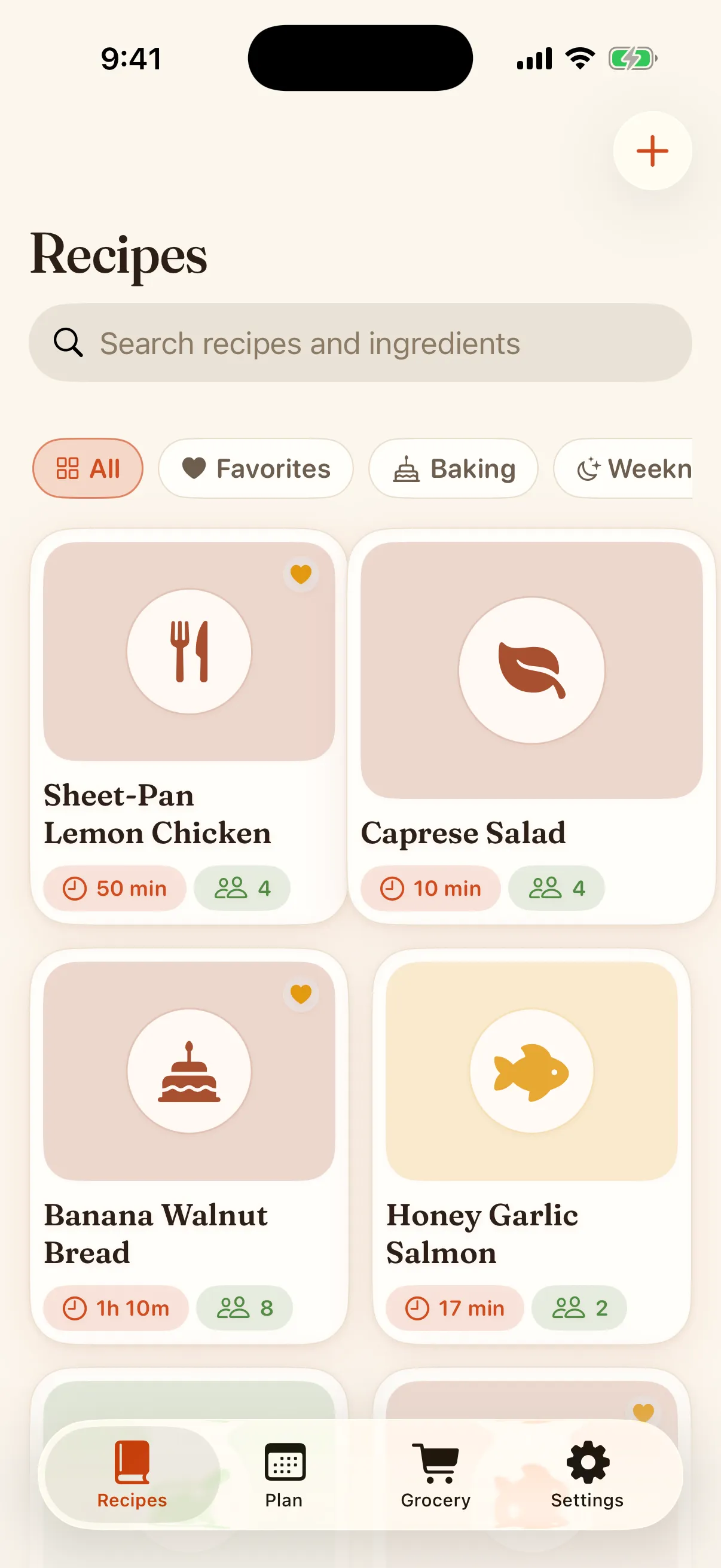
Keep every recipe on your iPhone. Trivet imports from any link, scales servings, plans your week, and builds the grocery list. No account, no ads.
Trivet is free on the App Store: import any recipe, scale it, and plan the week on your iPhone.
Download on theApp StoreImport
It imports the first time
Share a page straight from Safari or paste the link, and Trivet reads the structured recipe data the site publishes, with fallbacks for the sites that publish none. You get clean ingredients and steps, and a draft you can fix in seconds. Away from the web it scans a photo, a handwritten card, a PDF, or a saved video, reading the text on screen and listening to the narration, all on your iPhone. Your whole Paprika library comes over in one file. Web import is free and never capped, and the first three scans are free too.
Scale
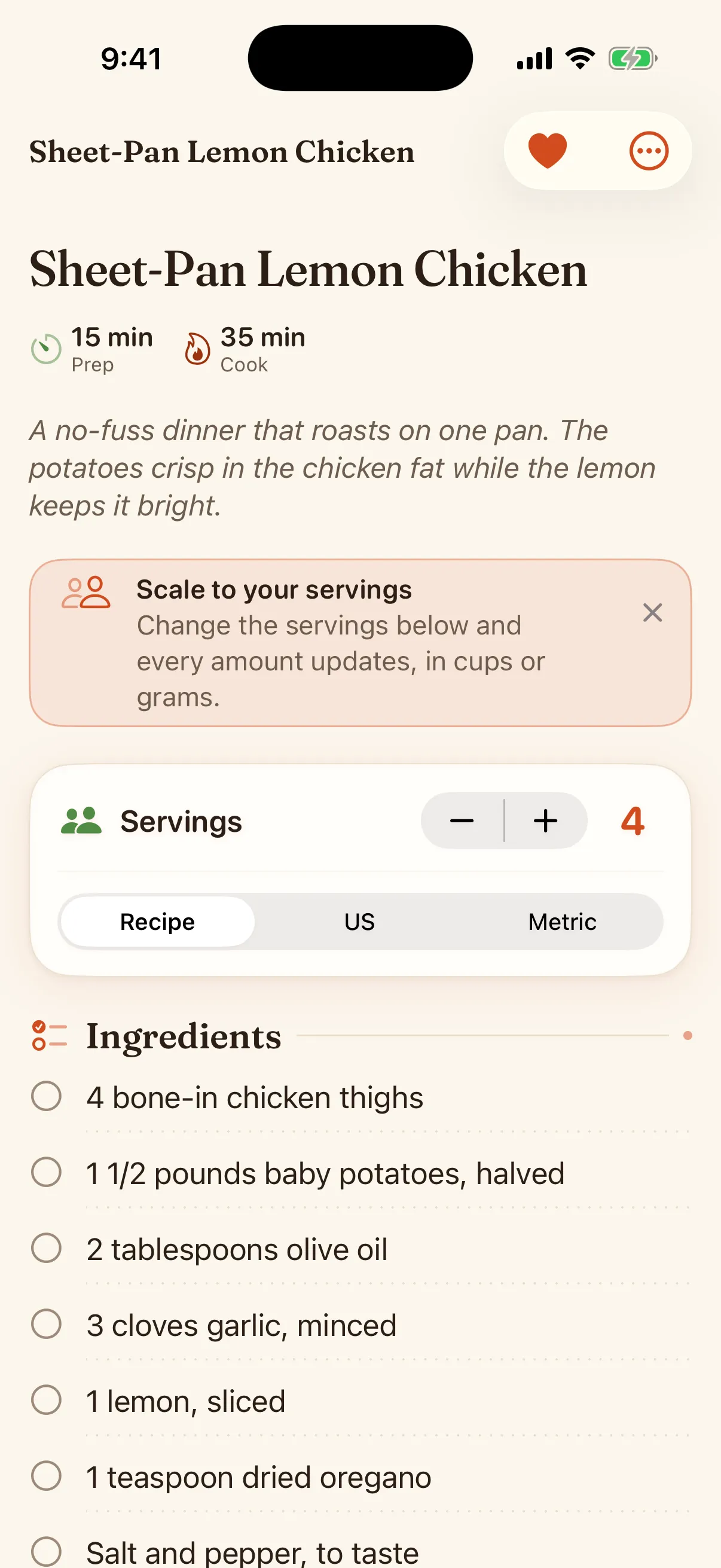
Servings that redo the math for you
Set how many you are feeding and every amount updates, fractions and all. Switch between cups and grams with real conversion, not a rounded guess, and set the measures you cook in: US, metric, UK imperial, or Australian. The numbers come from the same engine the app is tested against, so they hold up.
Plan
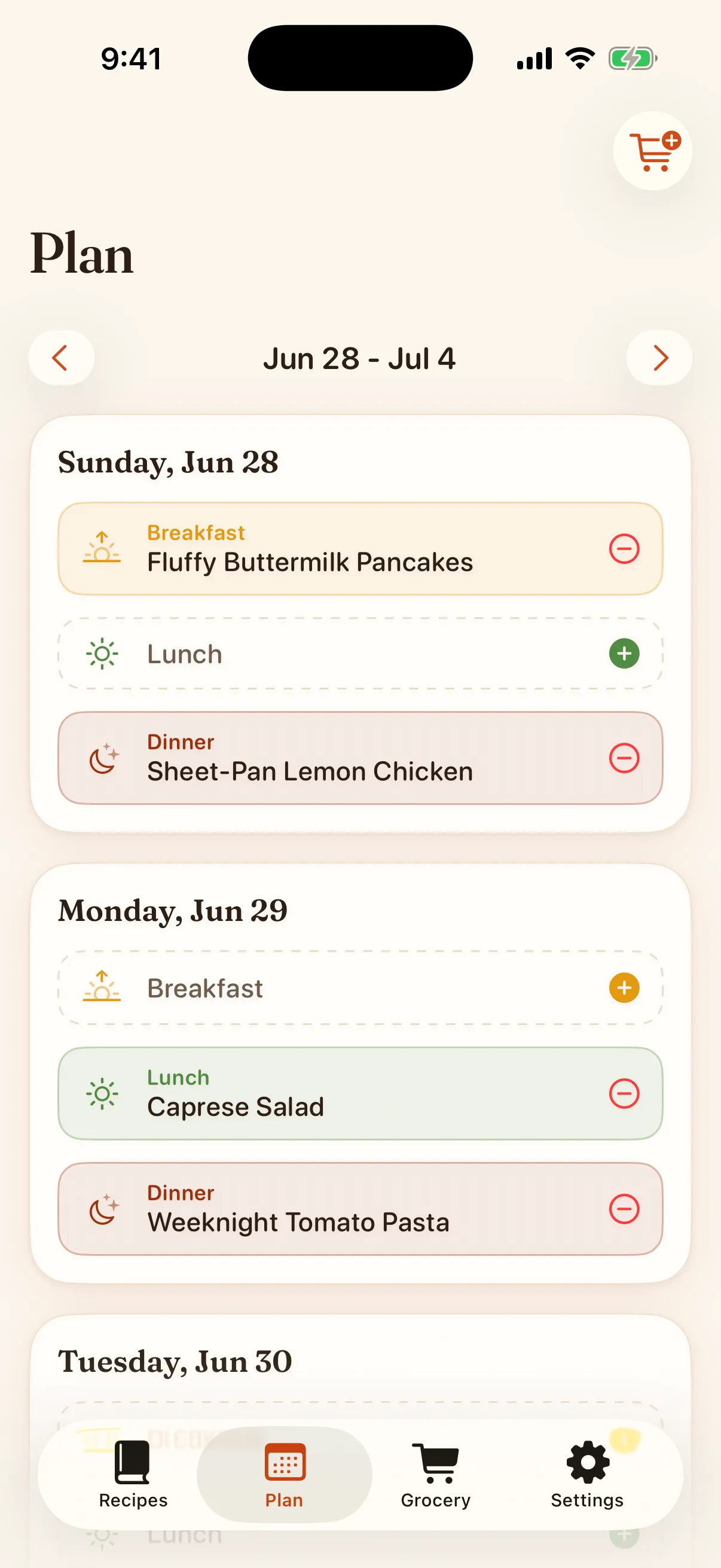
A meal planner that actually works
Drop recipes onto your week. Move them around. Turn the whole plan into a grocery list in one tap. This is the part the old apps get wrong, so it is the part we built with the most care.
Shop
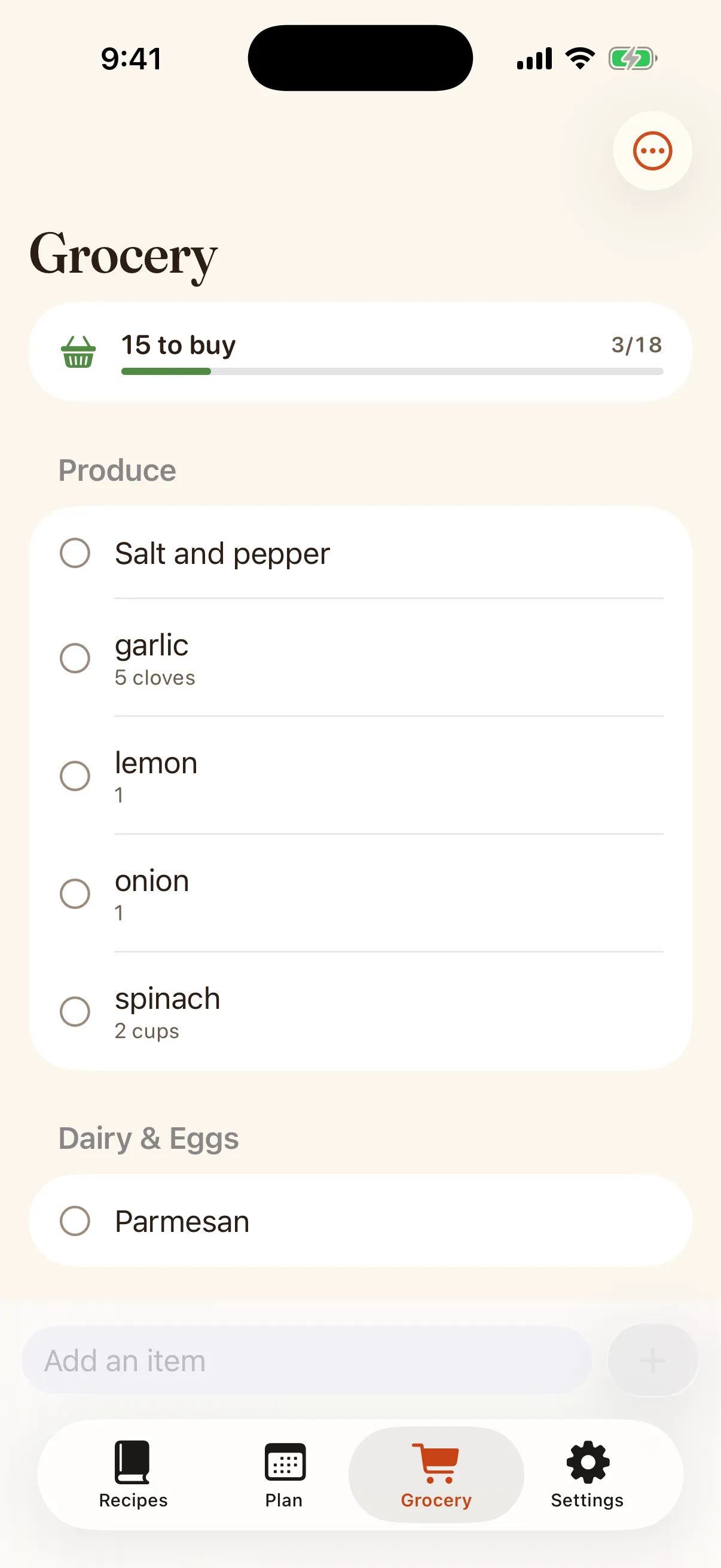
A grocery list sorted the way you shop
Add a recipe and Trivet merges the duplicates, then groups everything by store aisle. Produce, then meat, then dairy, the way you actually walk the store. Check items off as you go, on your phone or your watch.
Cook
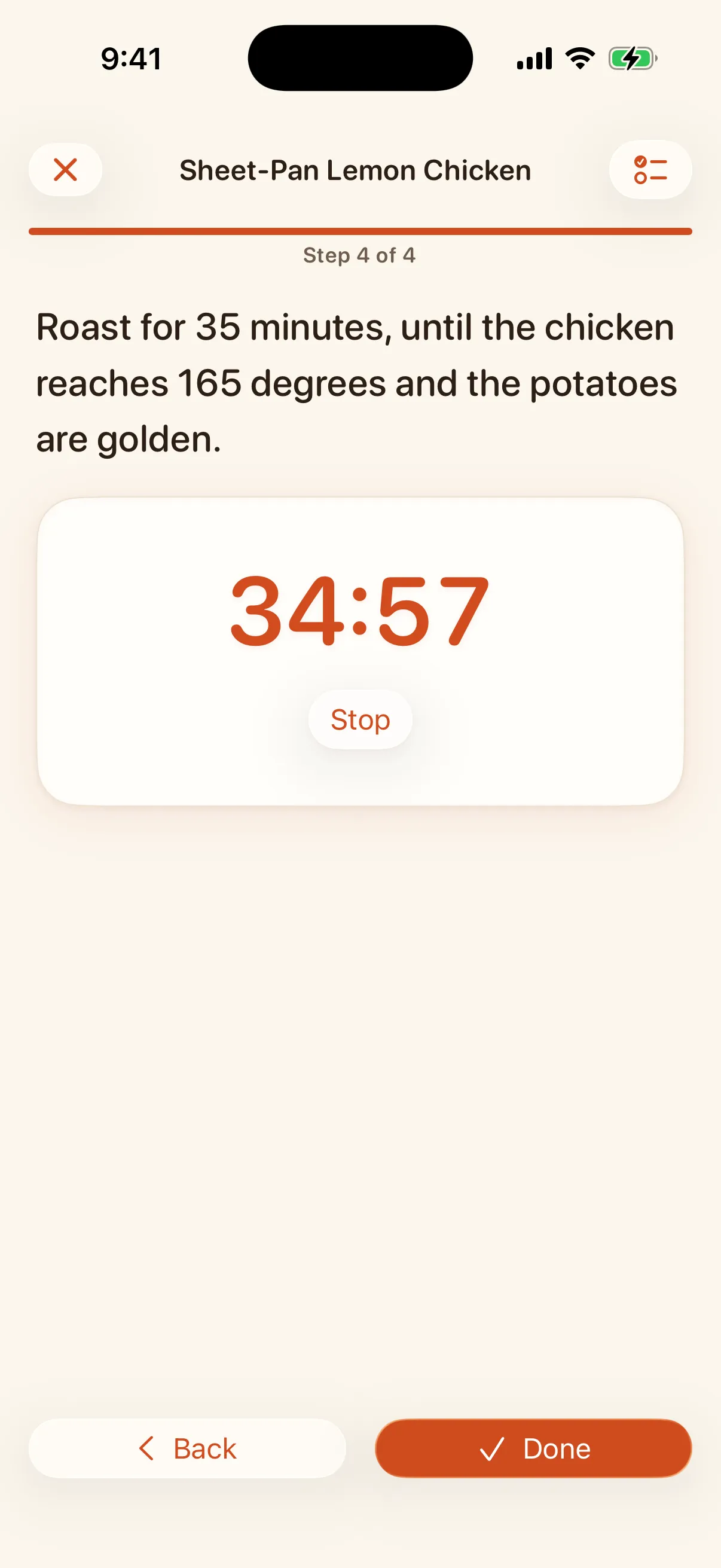
A cooking mode built for wet hands
One step at a time in type you can read from across the kitchen, with the screen staying awake. When a step says 35 minutes, the timer is one tap, the countdown lives on your Lock Screen and in the Dynamic Island, and it rings even if the phone locks or you switch apps. Finish, and Trivet remembers you cooked it.
Your notes, on the recipe
Margin notes that stay with the dish ("doubled the garlic"), plus how many times you cooked it and when.
Cookbooks and tags
Organize into cookbooks, tag anything, mark your favorites, and search the library by title or by an ingredient you have on hand.
Watch, widgets, and Siri
Tonight’s plan and the grocery list on your wrist and home screen. "Hey Siri, add milk" just works.
Nutrition and pairings
A per-serving nutrition estimate and an honest wine suggestion, computed on device.
Send a recipe as a card
Share any recipe as a card in three styles, straight from the recipe screen.
Herb, honey, or berry
Premium dresses the app in a second accent color, and it holds up in light and dark.
Reminders you set
A nudge about tonight, the week, or the list waiting for you. Built on your iPhone, never more than one a day, with quiet hours.
Private, on your iPhone
On-device, with a full export you keep. No account, no ads, no tracking.
Own your data
Export your whole library to a plain file any time. Never locked in.